
Designing Human-Centric IAM in SaaS using UX + AI

Role: Senior UX / Product Designer
Domain: Identity & Access Management (IAM), SaaS
Focus: UX × AI × Security
Outcome: Reduced friction, improved trust, scalable access experience

Problem Statement

In many SaaS products, Identity & Access Management (IAM) is designed as a security layer  not as a user experience.

Users commonly face:

  1. Excessive authentication prompts
  2. Confusing access errors
  3. Unclear permission logic
  4. Sudden lockouts without explanation

While systems remain secure, the experience creates:

  1. Frustration
  2. Workarounds
  3. Increased support tickets
  4. Reduced trust in the product

The challenge:

How might we design IAM experiences that remain highly secure without feeling hostile or disruptive to users?

Context & Constraints

IAM operates at the intersection of:

  1. Security & compliance
  2. AI-driven risk systems
  3. Enterprise scalability
  4. Human behavior under pressure

Key constraints:

  1. Security decisions are often non-negotiable
  2. AI logic is complex and invisible to users
  3. Different user roles have different risk profiles
  4. UX must not weaken security posture

This required a systems-thinking approach, not surface-level UI fixes.
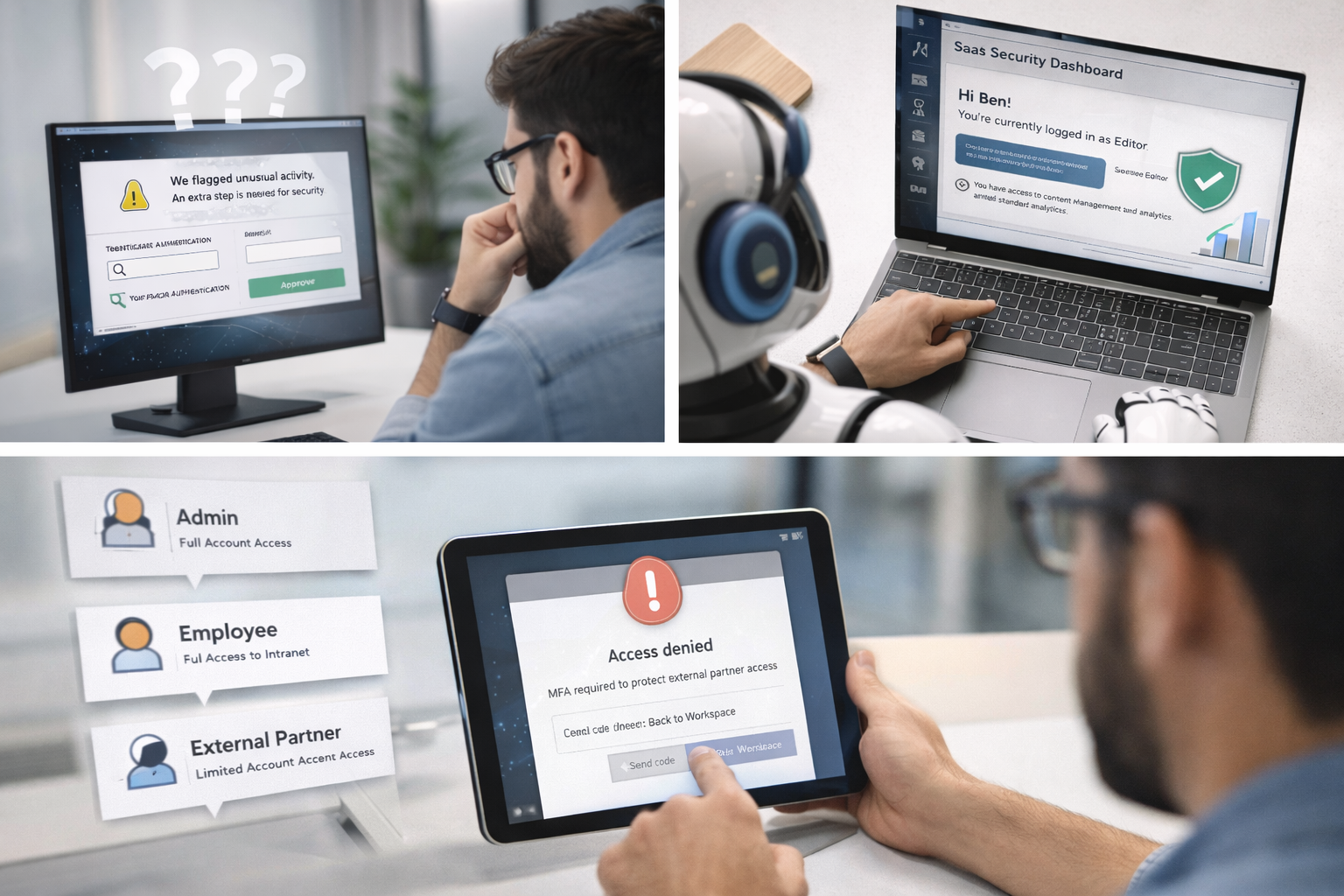
Design Hypothesis

Security doesn’t need to be louder, it needs to be smarter and clearer.

If AI can make risk-aware decisions in real time,
UX can translate those decisions into predictable, trustworthy experiences.

Hypothesis:
Combining AI-driven context with human-centered UX can reduce friction without reducing security.

Discovery & Insights

Key Observations

  1. Users don’t object to security they object to unexpected friction
  2. Most frustration occurs during authentication and access denial moments
  3. Users want to understand why something happened, not the technical details

Insight

Users don’t experience AI models.
They experience moments of interruption.

Those moments define trust.

Design Strategy: UX + AI Partnership

Instead of treating AI and UX separately, the system was designed as a collaborative loop:

AI’s Role

  1. Analyze behavior, device, location, and risk signals
  2. Decide when to challenge or restrict access
  3. Reduce unnecessary authentication events

UX’s Role

  1. Decide how and when challenges appear
  2. Communicate intent clearly and calmly
  3. Maintain predictability and confidence

Security decisions stayed strong the experience changed.
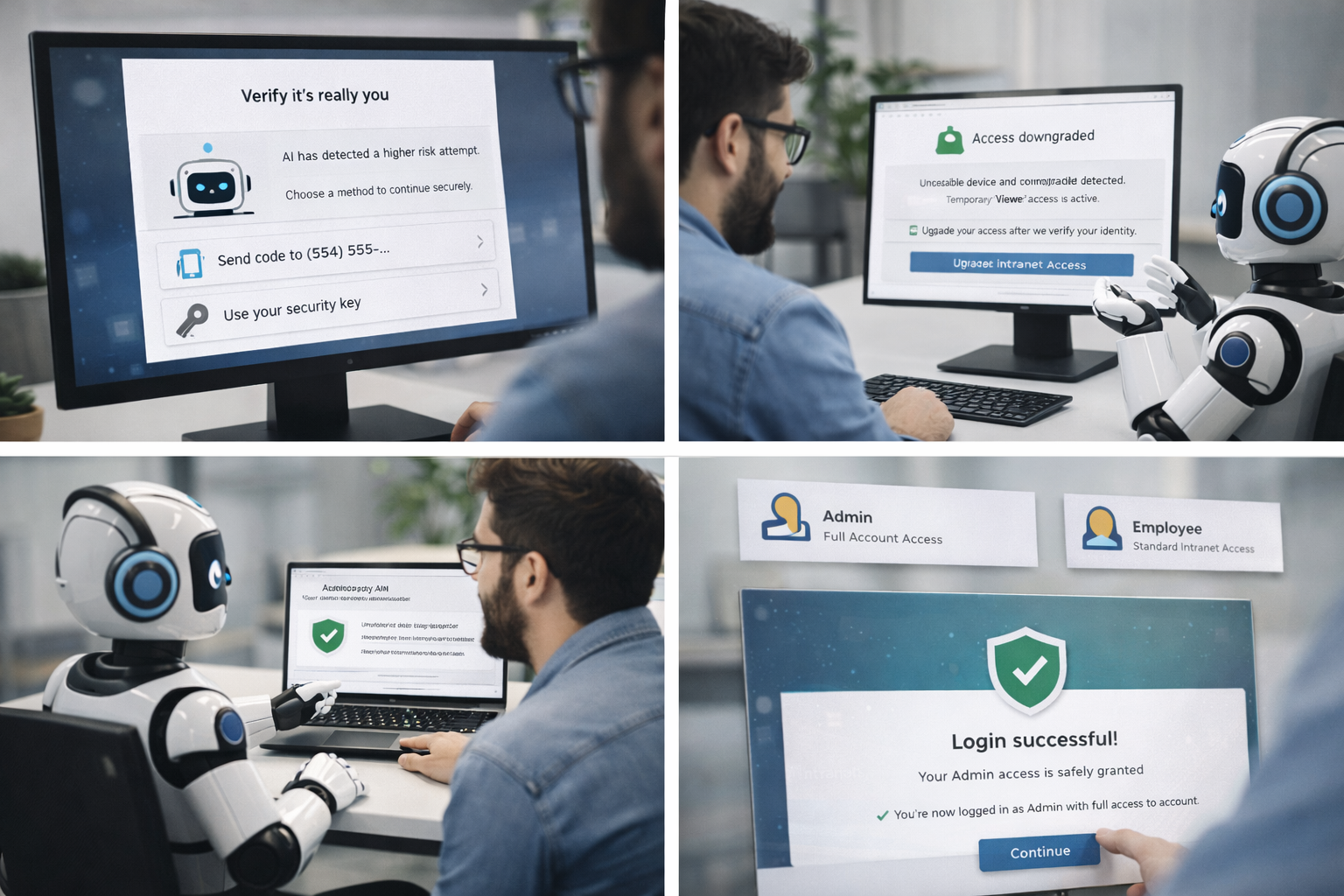
Key Experience Principles

1. Adaptive, Not Static

Authentication adjusts based on real-time risk instead of fixed rules.


2. Predictability Over Surprise

Users are guided with expectations rather than interrupted randomly.


3. Explain Without Overloading

Clear, human explanations without exposing sensitive logic.


4. Respect the User’s Flow

Security adapts to users, users don’t fight the system.

Solution Highlights

Ξ Adaptive Authentication

  1. MFA triggered only when risk thresholds are crossed
  2. Fewer unnecessary prompts


Ξ Smarter Onboarding & Access

  1. Role-aware access suggestions
  2. Reduced setup confusion


Ξ Trust-Focused Error States

  1. “Why this happened” messaging
  2. Clear next steps instead of dead ends

Impact (Design Outcomes)

While exact metrics vary by implementation, the design intent focused on:

  1. Reduced authentication fatigue
  2. Higher task completion rates
  3. Lower support dependency
  4. Increased trust in security systems
  5. Most importantly:

Security felt supportive, not punitive.

What This Case Demonstrates

This project highlights my approach to:

  1. Designing complex, high-risk systems
  2. Working at the intersection of UX, AI, and security
  3. Thinking beyond screens into behavior and trust
  4. Balancing business risk with human experience

Leave a Comment